
How to Get Your Dumpster Rental Business Verified on Google
The step-by-step playbook for passing video verification, avoiding suspensions, and getting your profile live so you actually show up in the map pack.
Why Most Dumpster Companies Get Stuck
Google requires verification before your profile shows up in the map pack, receives calls, or collects reviews. You don’t get to pick the method. Google assigns it based on your business type, location, and what public info they can already find about you.
For dumpster rental companies, that almost always means video verification. And because dumpster companies are service-area businesses, the bar is higher. You need to prove you’re real, you operate where you claim, and the person recording the video actually manages the business.
The 5 Mistakes That Kill Verification
We’ve helped dumpster rental companies get their Google presence set up. These are the problems that come up again and again.
Someone set up a profile years ago, or a past marketing company created one. Now there are two or three profiles with the same business name, and Google flags all of them.
Many dumpster operators run out of a home or a yard. Showing your home address on a service-area profile when you shouldn’t will get you rejected or suspended.
The video is too short, doesn’t show the dumpsters, is missing signage with the matching phone number, or doesn’t prove the recorder has management access.
Your GBP says “ABC Dumpster Rentals LLC” but the truck says “ABC Hauling” and the website says something different. Google treats mismatches as a red flag.
The first profile is under review or suspended, so you make a new one. Now both get flagged as duplicates. This is the fastest way to make things worse.
What Your Verification Setup Needs
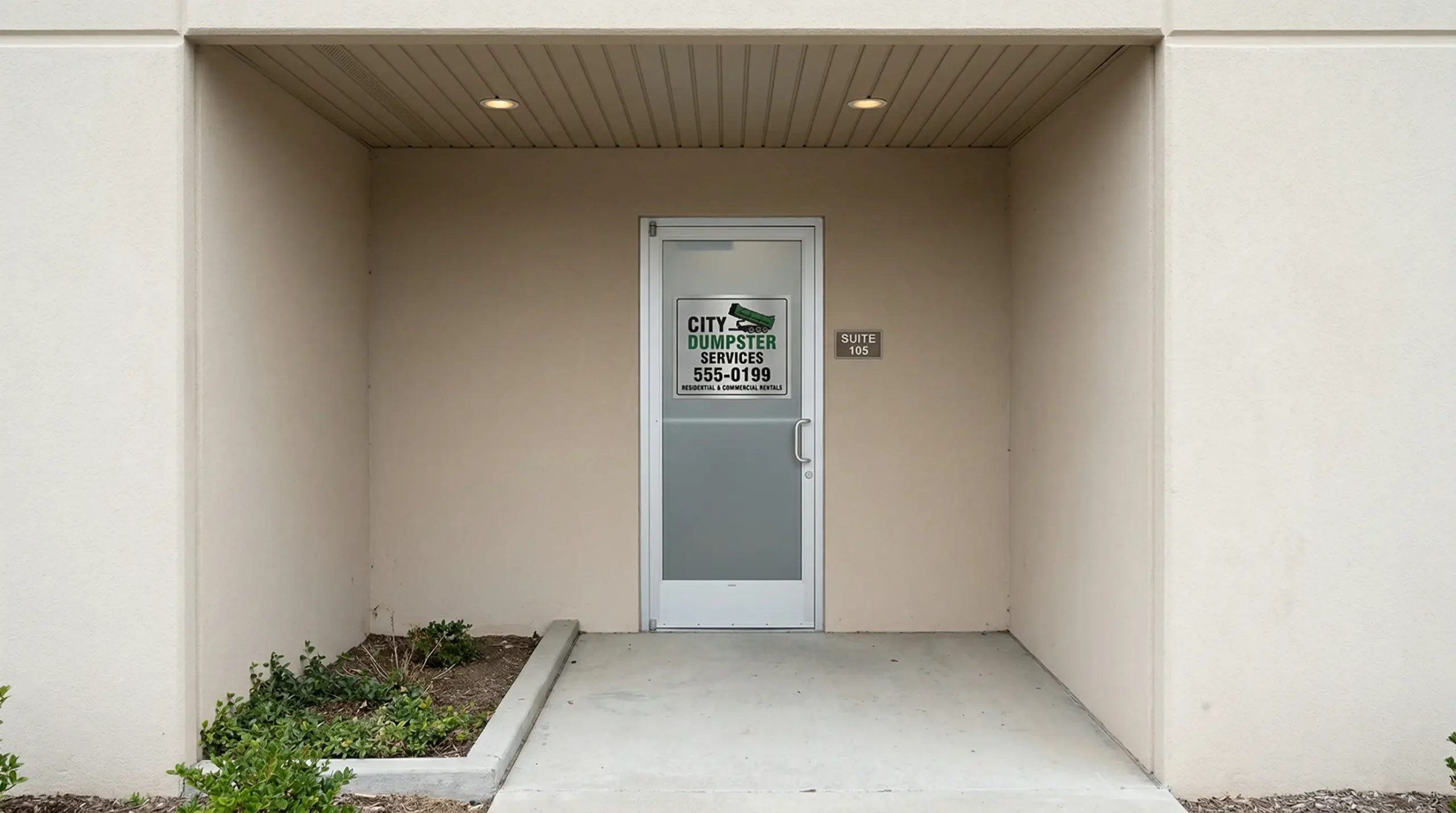
If you have a commercial office, warehouse, or yard, use it. A physical location with signage that matches your GBP listing is the easiest path to approval. Order a sign from signs.com that shows your company name and the exact phone number on your Google profile.
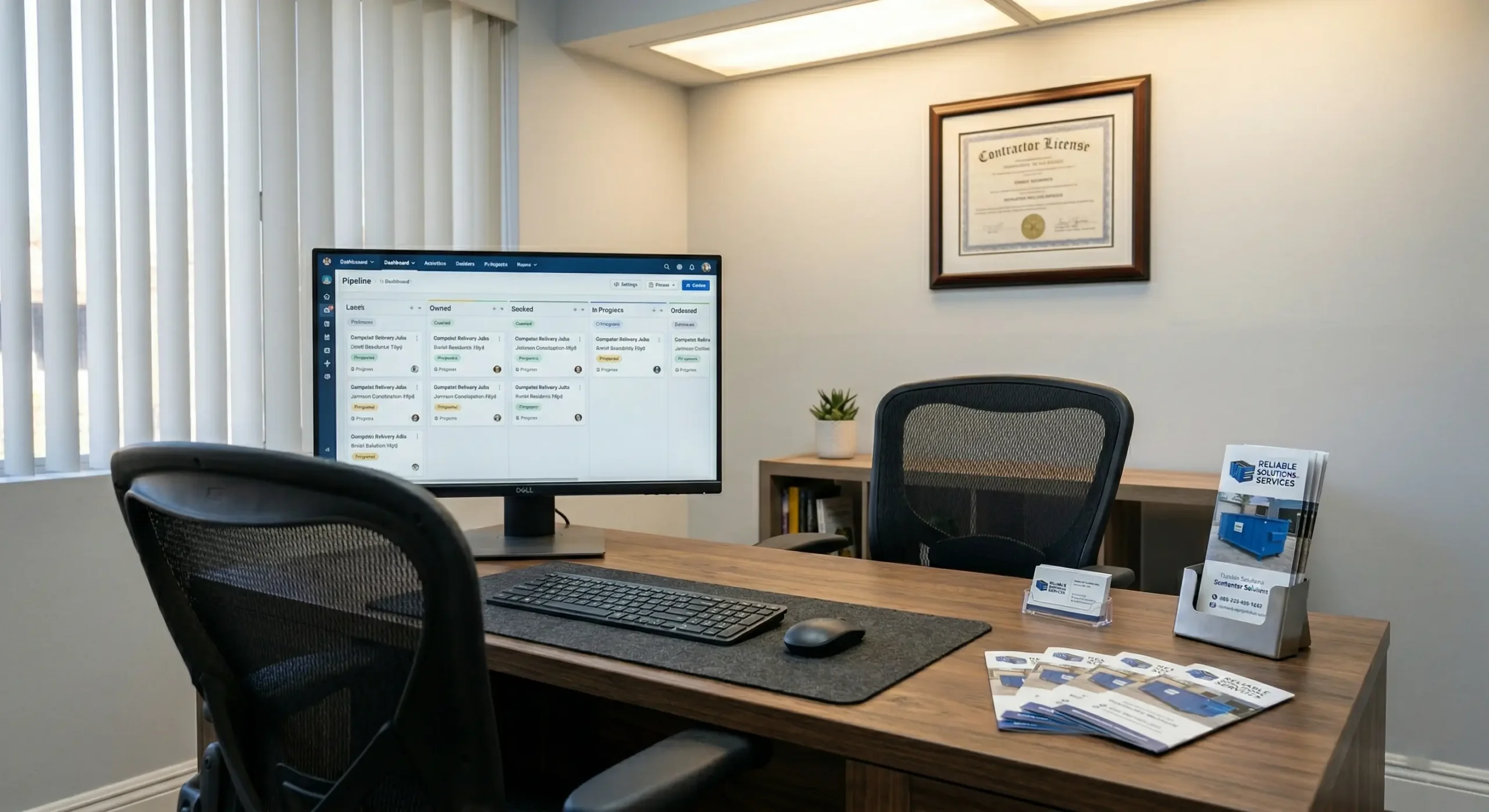
Set up the interior to show a working operation. A desk, a computer with your CRM or dispatch software open, business cards, brochures, and any LLC docs or contractor licenses on the wall. This isn’t about being fancy. It’s about showing Google that a real business runs here.
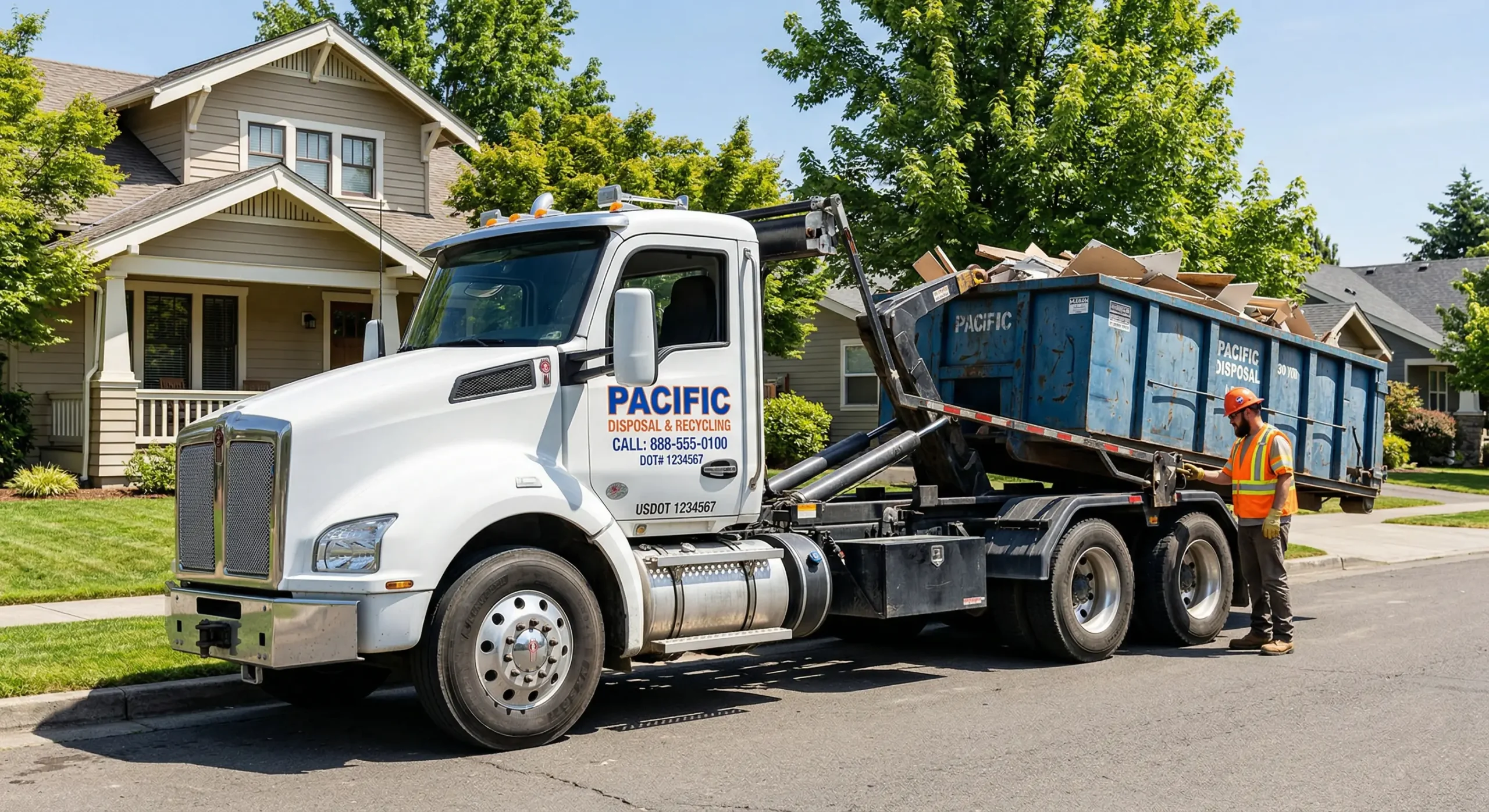
Make sure your truck lettering matches your profile exactly. Company name, phone number, and any branding on your vehicles should line up with what’s on your GBP listing.
What to Show in Your Video
Your video needs to cover three things in under 60 seconds. One continuous take, no cuts, recorded on a mobile phone. Don’t overthink it, but don’t skip any of them.
Show Your Location
Start outside. Show the street sign, building number, or nearby landmarks that prove where you are. If you work from a yard, show the entrance and the surrounding area.
Show the Business Exists
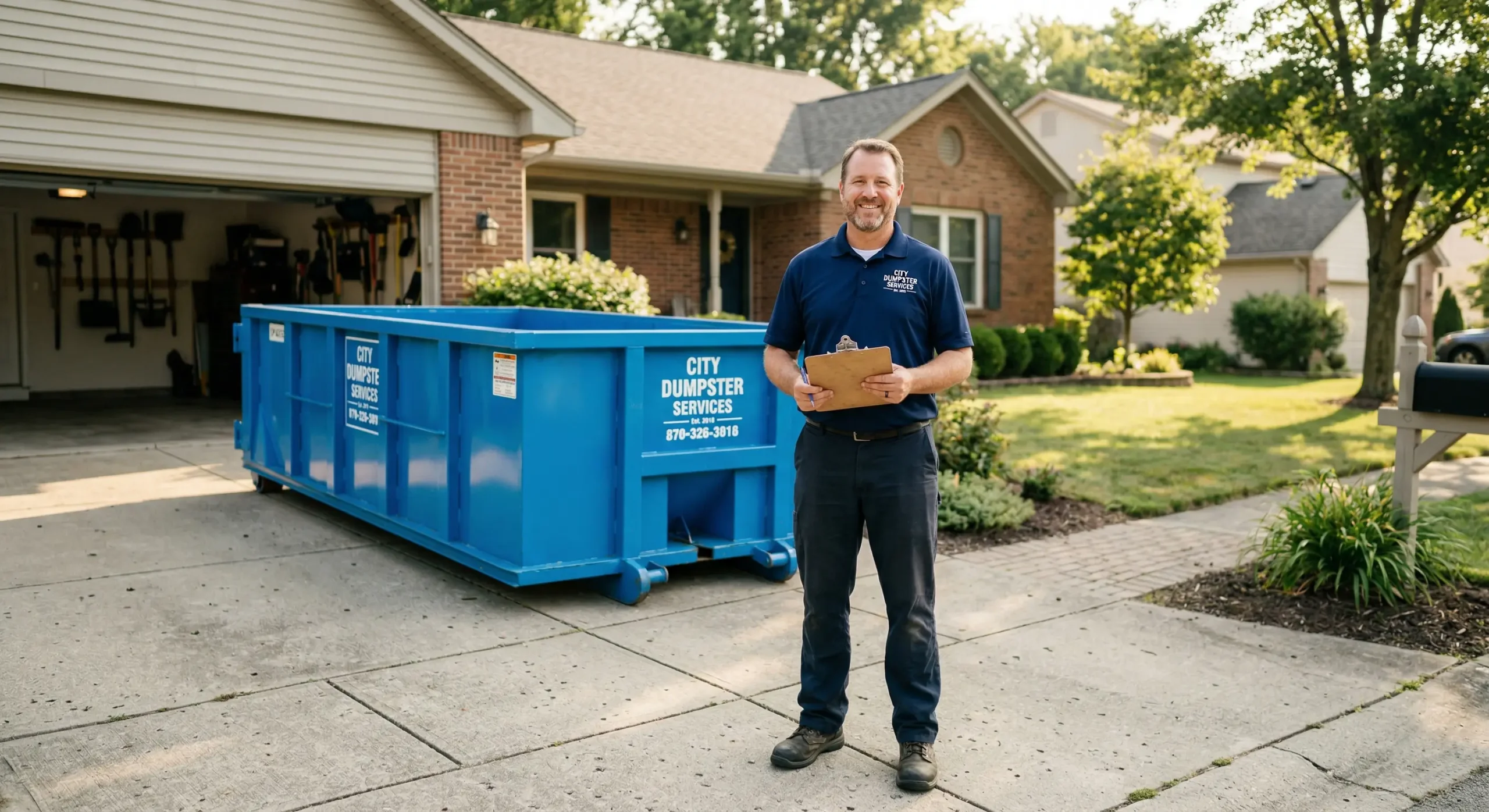
Walk to your dumpsters, truck, or equipment. Show the branded signage with the company name and phone number. Roll-off containers stacked in a yard, a hook-lift truck, or a trailer all work. Google wants to see a real, operating dumpster rental company.
Prove Management Access
Unlock the office, open the truck with a key, log into dispatch software, or show access to employee-only areas. The point is proving you’re not just someone standing next to a random dumpster.
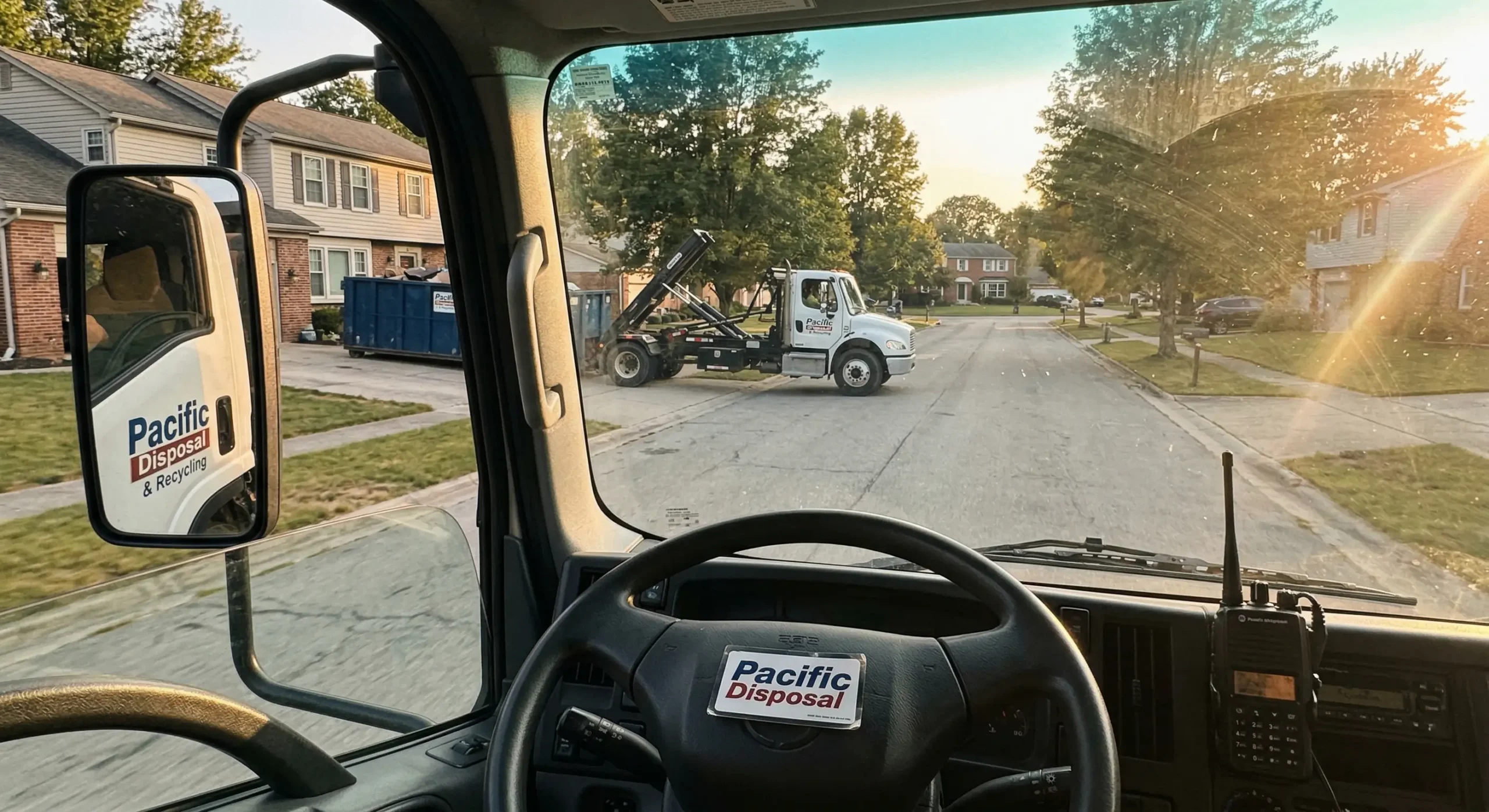
Keep the video under 60 seconds. Start outside at the street, walk to the building or yard, show the equipment, end at the desk or inside the truck. Practice it once before you record.
What to Do If Google Suspends You
Do not create a new profile. This is the single most common mistake. A second profile for the same business gets flagged as a duplicate, and now you have two suspended listings instead of one.
Use Google’s appeal tool for the suspended profile. When you open the form, Google gives you a 60-minute window to upload evidence. Have these ready before you start: your business license, LLC documents, a utility bill or lease showing the business address, and photos of your equipment with matching signage.
If the appeal is denied, use the additional review option when it’s available. Be patient. Rushing to create a new profile causes the most long-term damage.
Clean Up Duplicate Listings First
Duplicates are more common in dumpster rental than most industries. Operators start with one name, rebrand, add a second service area, or hire a marketing company that creates a new listing without checking if one already exists.
Before you touch verification, search Google Maps for your business name, phone number, and address. Check for old listings under a previous name. Check for listings a past employee or agency created. Google treats duplicates as misleading, and having more than one profile can get both filtered out of search.
- Only one Google Business Profile exists for your business
- Business name matches LLC docs, truck lettering, and website
- Address is hidden if you’re a service-area business
- Primary category is set to “Dumpster Rental Service”
- Phone number on GBP matches your trucks and signage
- Website URL is correct and loads on mobile
- Video shows location, dumpsters/equipment, and management access
- Video is one continuous take, under 60 seconds, from a mobile device
- No second profile exists while an appeal or review is active
- Appeal evidence ready: license, LLC docs, utility bill, equipment photos
What Happens After You’re Verified
Your Google Business Profile is the front door to your local leads. Without verification, you don’t show up in the map pack. You don’t get calls from Google. You don’t collect reviews. And your competitors who are verified keep taking the jobs that should be yours.
Once live, your profile supports map pack rankings, call tracking, direction requests, and review collection. For dumpster rental companies, this is usually the first thing that has to work before SEO, ads, or a new website makes any difference.
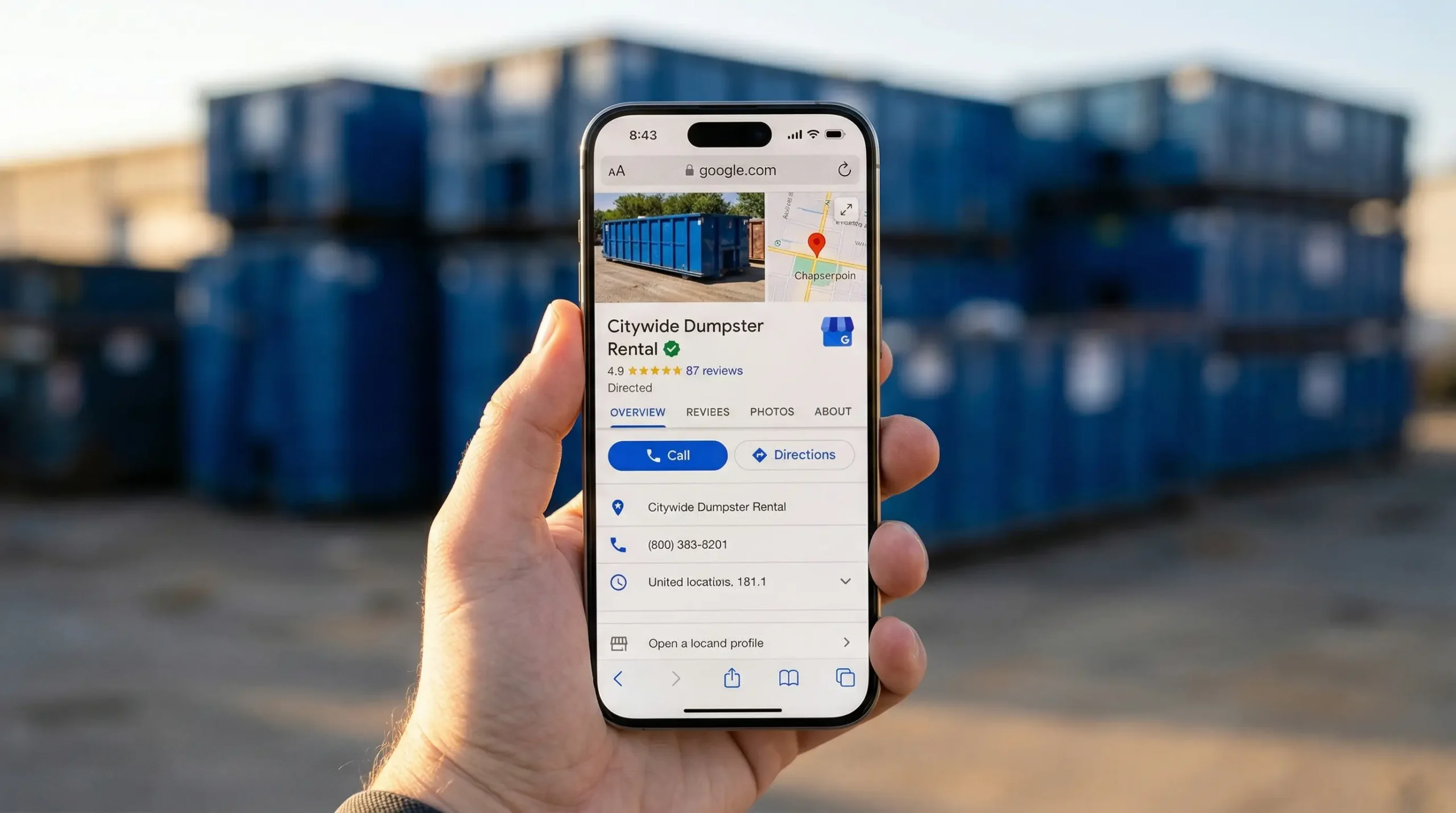
Stop Creating New Profiles. Fix the One You Have.
Search for duplicates. Fix your business name and category. Get your signage in order. Record a clean video that covers location, equipment, and management access. That’s what gets dumpster rental companies verified.
Need Help Getting Verified?
We build websites and run marketing for dumpster rental companies. If your GBP is stuck, suspended, or you just want it done right the first time, let’s talk.
Book a Call